A store inside the launcher
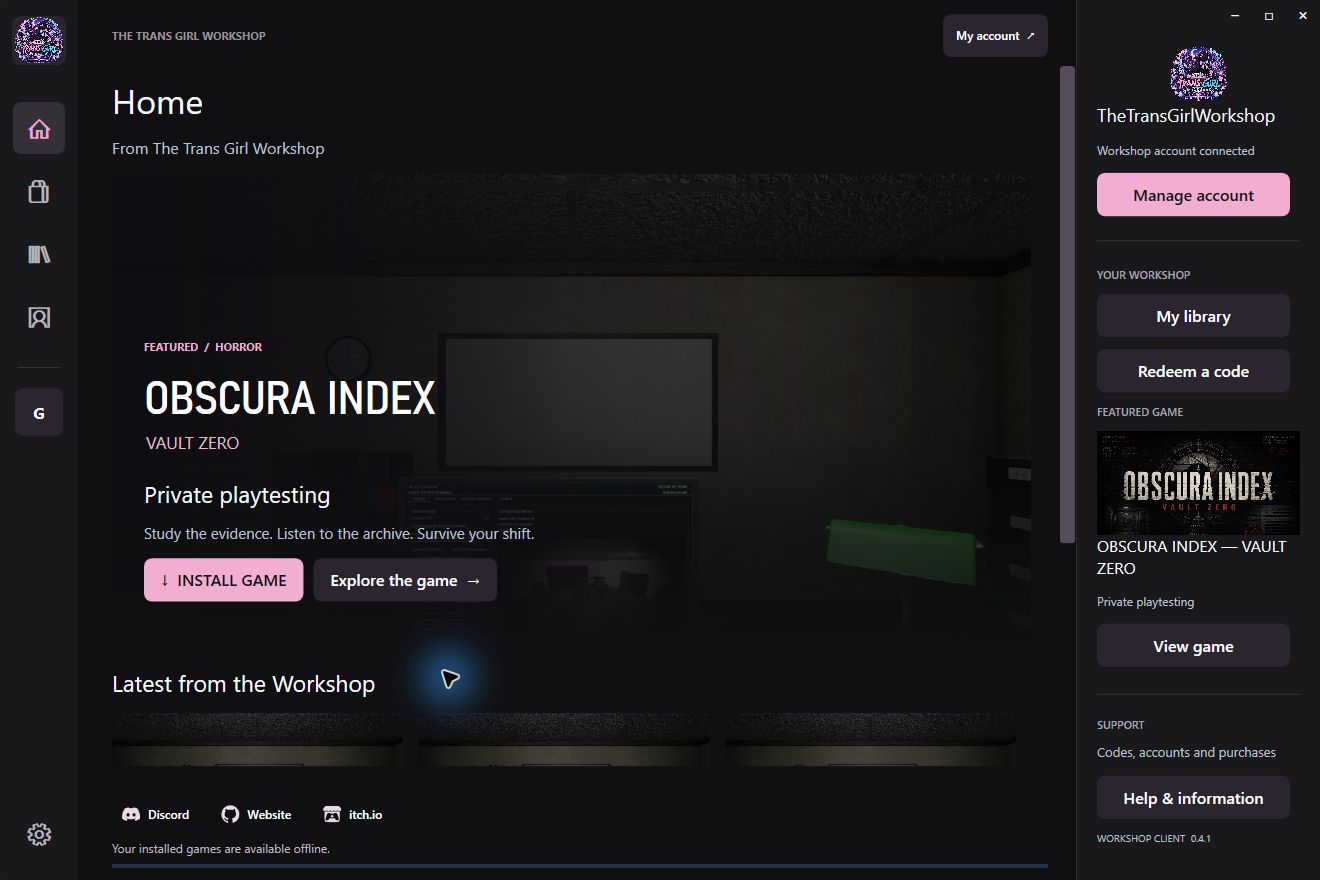
Browse game pages, screenshots, trailers, announcements and patch notes in the desktop app.
 The Trans Girl Workshop
Your Workshop, in one app
Discover our games. Keep your library together. Get straight to your next shift.
Game access is separate: games may require a purchase or an invitation code.
Made for Workshop games
Browse game pages, screenshots, trailers, announcements and patch notes in the desktop app.
Use your Workshop account to access your games, install them and download available game updates.
Enter your single-use Workshop code in Redeem code. The game stays linked to the account that claims it.
Open our official Discord, itch.io page and website from the launcher’s community links.
Getting started
The installer includes the app runtime and can install Microsoft WebView2 if it is missing. An internet connection is needed for sign-in and downloads. This installer is currently unsigned.